

Cell Styles
Cell styles are named formatting presets that let you apply a consistent look to cells without recreating the same combination of colors, fonts, and borders from scratch. IronCalc has a set of built-in styles, and you can create your own.
Applying a Cell Style
- Select the cell or cell range you want to format.
- Click the Cell Styles icon in the toolbar.
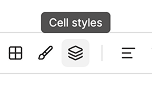
A drawer opens on the right side of the screen, showing all available styles.
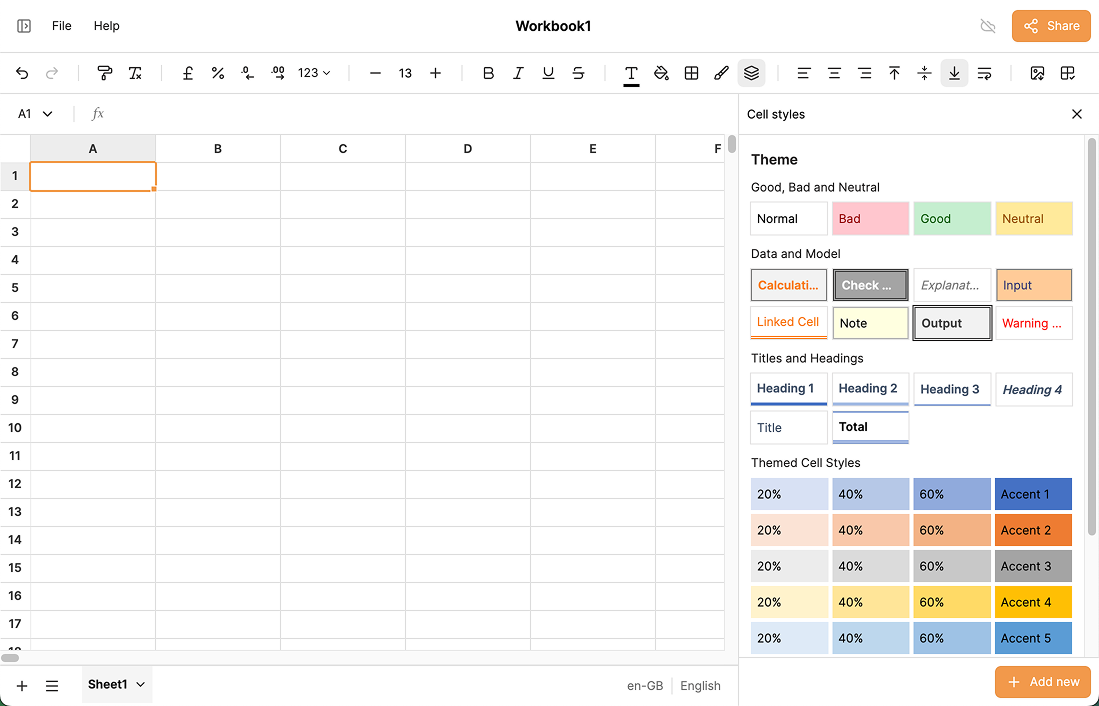
- Click any preset to apply it immediately to your selection.
Creating a Custom Style
- At the bottom of the Cell Styles drawer, click Add new.
- Enter a name for the style.
- Choose the format and style options (font, colors, borders, etc.).
- Click Save.
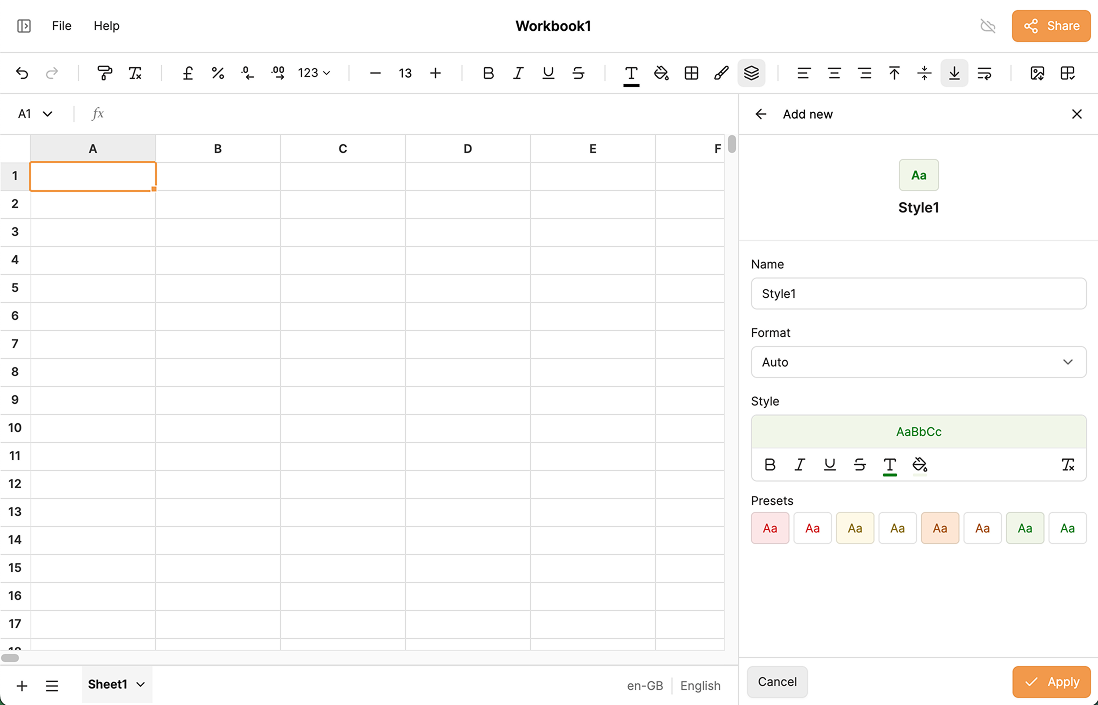
Your new style will appear at the top of the list and can be applied to any selection at any time.
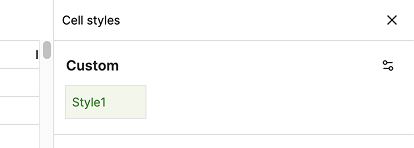
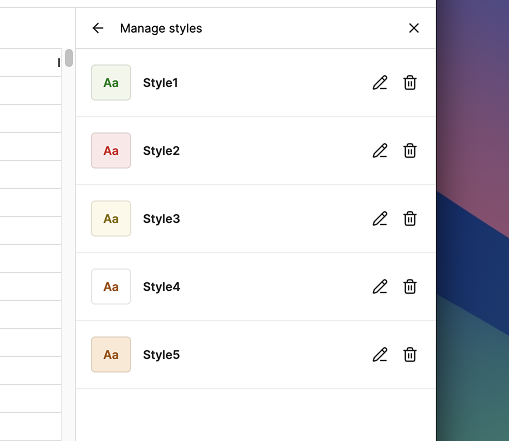
Managing Custom Styles
- Click the settings icon in the top-right corner of the Cell Styles drawer.
- A list of your custom styles appears.
- Click the pencil button next to a style to edit it, or the trashcan icon to delete it.
Excel Compatibility
Cell styles are preserved when importing workbooks from Excel, so your formatting carries over without any extra work.